
Your software reports that the backup finished. But could you retrieve a client record, quotation or shared document if its current version disappeared? For a small business, a restoration test answers that practical question. It means recovering a copy into an isolated location and checking that it is usable, without replacing the files your team works with.
Choose a small business scenario
Start with a specific question: “Could we recover the folder for a completed project?” Choose a non-confidential test folder, or representative fictional data, rather than your entire production dataset. Describe what must be recovered: files, names, folder structure, attachments or the information required to open the content.
If you use a CRM or business application, exporting a table may not be enough to recreate relationships between items. Ask the provider what its backup function covers and how recovery works. The exercise should test your own need, not merely confirm that a file labelled “backup” exists.
Prepare a location that replaces nothing
With the person responsible for the tool, choose a location separate from the working environment. Check who can access it and how test data will be removed afterwards. Do not import an old copy into the application employees use just to see what happens. Doing so could replace recent information or trigger notifications to real clients.
The Canadian Centre for Cyber Security advises regularly backing up essential information and verifying that restoration mechanisms work. This means treating recovery as a documented procedure. The exact steps depend on your software, provider and authorized access: establish them before the test.
Check the content, not just whether it opens
Recover the small dataset you selected and record the date of the chosen copy. Open the expected documents, check a few known details and look for associated attachments. A file that is accessible but empty, unreadable or incomplete does not satisfy the scenario. For an application, have its owner confirm that the test includes the necessary data and relationships.
Also document obstacles: a forgotten access request, unclear instructions, dependence on an absent person or a password stored in the wrong place. The report must not contain the secrets themselves. Instead, state where authorized people can find the procedure and who can carry it out.
Turn the test into a decision
A simple result sheet is enough: scenario, responsible person, date, copy used, items checked, outcome and next action. If recovery fails, describe the obstacle before changing the tool. Ask the provider for clarification or arrange another test after correction. Do not conclude that you have complete protection because one document was restored.
Then identify other processes that deserve testing: quotations, contracts, service records or field forms. Choose a frequency suited to their importance and changes in your activity, together with your provider. A software change or a new working method may justify reviewing the scenario.
Questions to ask your provider
- Which data is included, and which remains in another service?
- How do we select a copy and establish its date?
- Can we recover an item in an isolated environment?
- Who validates the outcome and removes test data?
Axentra can help map a digital process and express these needs in a CRM or paperless software project. The goal is to make recovery understandable for your business, without promising a recovery time before assessing your environment.
Official source
Canadian Centre for Cyber Security — Back up and encrypt data, consulted November 6, 2026. The testing method in this article is a practical example to adapt with your IT lead.
Photograph
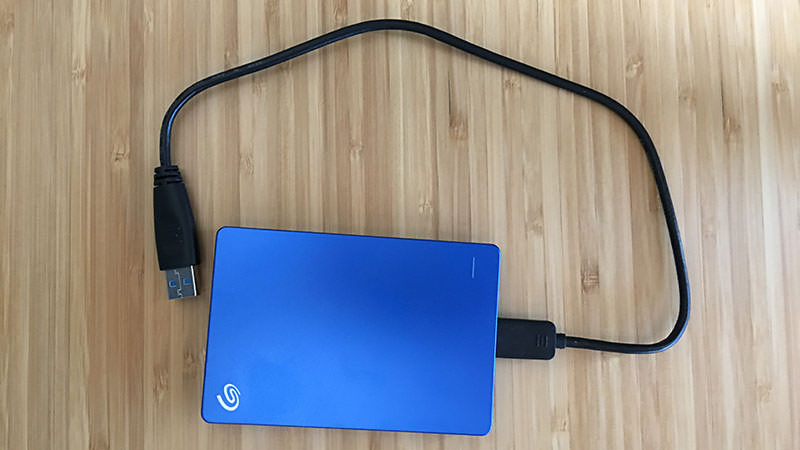
Illustrative photograph, unrelated to an Axentra facility or client: Sam Frazier / Wikimedia Commons, CC BY-SA 4.0. Original photograph, unchanged.